产品说明
使用方法
-
在idea中运行'DemoRetryApplication'
-
在浏览器中打开 http://localhost:8080/ 这一链接
-
选择要选择的服务:加或减或乘或除
-
输入数值,点击 提交 即可
-
在下方结果框中即可获得结果
特殊情况
-
如果你输入了不只由实数(只有一个小数点为例外)组成的字符串,或者没有输入任意一个输入框,结果会显示"请输入实数!"
-
处理方式:正则表达式
Pattern pattern = Pattern.compile("^-?\\d+(\\.\\d+)?$");和 if判断-
其中-?表示前面可以有一个可选的减号;
\d+表示一到多个数字,(-?\d+)这个表示整数部分;
(.\d+)?表示一个小数点跟多个数字,?表示前面这部分是可选的,这部分匹配一个可选的小数部分;
^(\d)$就是0-9的任意一个数字;
^表示以...开头,\d表示0-9的数字,$表示以...结尾;
-
-
-
如果你的除数为0,结果为Infinity
-
double类型的数都溢出的话,只能靠字符串来输出了
- 处理方式:所有数据为double类型
-
防止通过GET请求的参数进行注入攻击:可注入的地方均为post传输方式
学习历程
文档学习
- 这里是csdn的网址
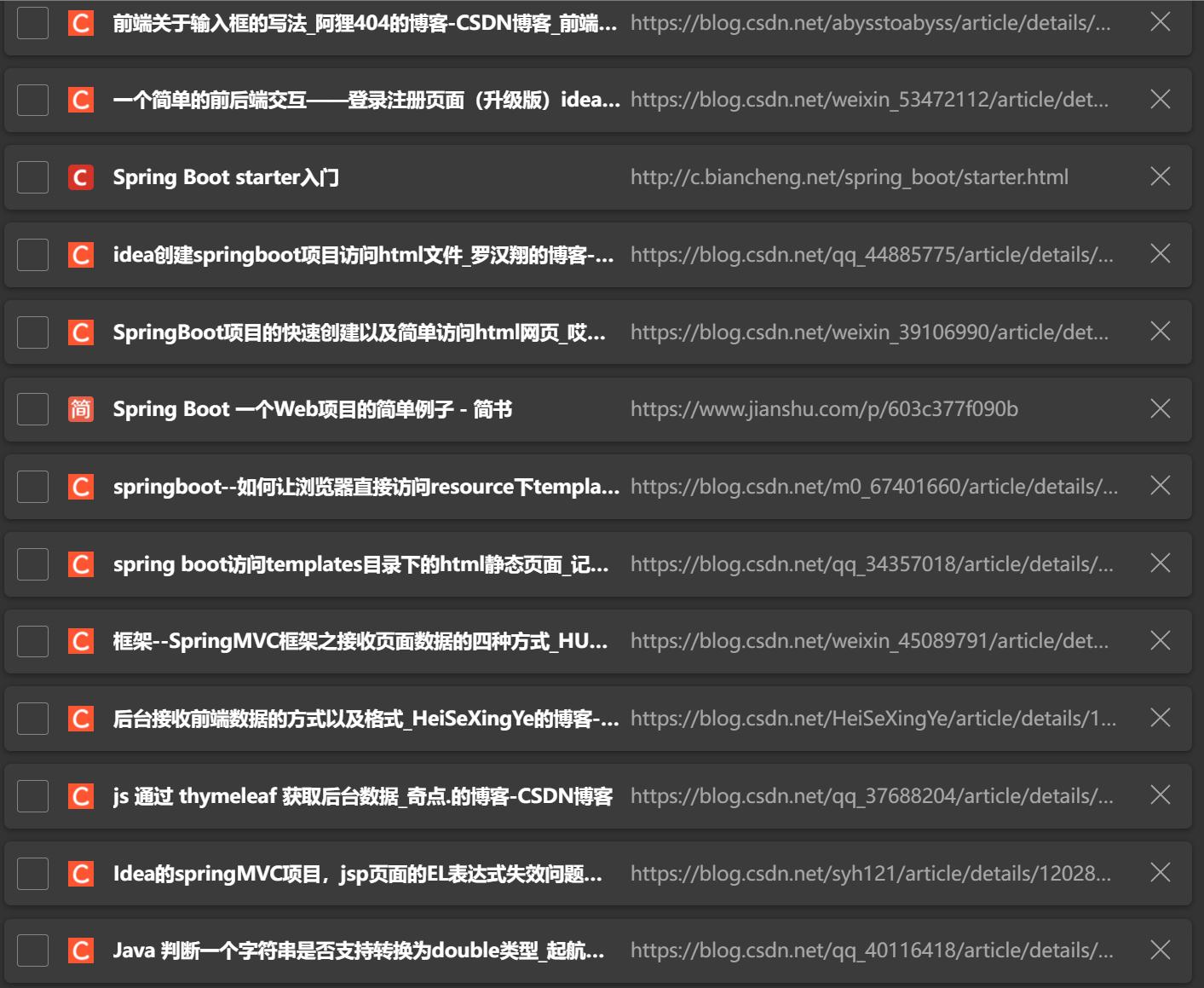
- 菜鸟教程也帮助不少
涉及知识点
springboot
application.yml和appli.proprities的区别
前端与后端的参数传递方式
get与post的区别
thymeleaf
注解
......
知识点交给群主吧
html
css
代码
Main
package retry.demoretry.controller;

import org.springframework.stereotype.Controller;
import org.springframework.ui.Model;
import org.springframework.web.bind.annotation.GetMapping;
import org.springframework.web.bind.annotation.RequestMapping;

import java.util.regex.Pattern;

@Controller
public class Main {
    @GetMapping("/")
    public String gethtml() {
        return "try";
    }

    /*  @GetMapping ("/{choice}")
      public void plus(@PathVariable(name="choice")String choice)  {

          System.out.println(choice);
      }
  */
    @RequestMapping("/choice")
    public String login(String option) {
        return switch (option) {
            case "plus" -> "plus";
            case "minus" -> "minus";
            case "multiply" -> "multiply";
            case "division" -> "division";
            default -> "errorpage";
        };
    }

    @RequestMapping("/plus")
    public String plus(Model model, String first, String last) {
        Pattern pattern = Pattern.compile("^-?\\d+(\\.\\d+)?$");
        if (pattern.matcher(first).matches()) {
            Double first1 = Double.parseDouble(first);

            Double last1 = Double.parseDouble(last);
            Double result = first1 + last1;
            model.addAttribute("result", result);
        }
        else {
            model.addAttribute("result","请输入实数!");
        }
        return "plus";
    }

    @RequestMapping("/minus")
    public String minus(Model model, String first, String last) {
        Pattern pattern = Pattern.compile("^-?\\d+(\\.\\d+)?$");
        if (pattern.matcher(first).matches()) {
        Double first1 = Double.parseDouble(first);
        Double last1 = Double.parseDouble(last);
        Double result = first1 - last1;
        model.addAttribute("result", result);
        }
        else{
            model.addAttribute("result","请输入实数!");
        }
        return "minus";
    }

    @RequestMapping("/multiply")
    public String multiply(Model model, String first, String last) {
        Pattern pattern = Pattern.compile("^-?\\d+(\\.\\d+)?$");
        if (pattern.matcher(first).matches()) {
        Double first1 = Double.parseDouble(first);
        Double last1 = Double.parseDouble(last);
        Double result = first1 * last1;
        model.addAttribute("result", result);
        }
        else{
            model.addAttribute("result","请输入实数!");
        }
        return "multiply";
    }

    @RequestMapping("/division")
    public String division(Model model, String first, String last) {
        Pattern pattern = Pattern.compile("^-?\\d+(\\.\\d+)?$");
        if (pattern.matcher(first).matches()) {
        Double first1 = Double.parseDouble(first);
        Double last1 = Double.parseDouble(last);
        Double result = first1 / last1;
        model.addAttribute("result", result);
        }
        else{
            model.addAttribute("result","请输入实数!");
        }
        return "division";
    }

}
选择页面
<!DOCTYPE html>
<html lang="en">
<head>
    <meta charset="UTF-8">
    <title>计算器界面</title>
</head>
<style>
    #id1 {
        text-align: center;
    }
</style>
<body>
<div id="id1">
    <form method="get" action="http://localhost:8080/choice">
        <label>计算类型:
            <br/>
            <input type="radio" name="option" value="plus">加
            <br/>
            <input type="radio" name="option" value="minus">减
            <br/>
            <input type="radio" name="option" value="multiply">乘
            <br/>
            <input type="radio" name="option" value="division">除
            <br/>
            <input type="submit" value="提交">
            <br/>
        </label>
    </form>
</div>
<div>
    <label>
    </label>
</div>
</body>
</html>
运算页面
<!DOCTYPE html>
<html xmlns:th="http://www.thymeleaf.org" xmlns="">
<head>
    <meta charset="UTF-8">
    <title>计算器除法界面</title>
</head>
<style>
    #id1 {
        text-align: center;
        color: red;
    }

    #id2 {
        text-align: center;
        color: rgb(222, 0, 0);
    }

    #id3 {
        text-align: center;
        color: black;

        border:5px solid black;
        outline:rgb(100,100,100)  ;

    }
    #id4
    {
        border:3px solid black;
        outline:rgb(100,100,100) dotted thick;

    }
    #id5{
        text-align: center;
        color: rgb(222, 0, 0);
    }
</style>
<body>
<h4 id="id1">除法界面</h4>
<p id="id2">请输入两个实数,将用第一个实数除以第二个实数</p>
<p id="id5">注意:第二个数不要输入0!</p>
<div id="id3">
    <form method="post" action="http://localhost:8080/division">
        <label>输入数据:
            <br/>
            第一个数: <input type="text" name="first">
            <br/>
            第二个数: <input type="text" name="last">
            <br/>
            <input type="submit" value="提交">
            <br/>
            结果:
            <p id="id4" th:text="${result}"/>
            <br/>
        </label>

    </form>
</div>

</body>
</html>
yaml配置
spring:
  thymeleaf:
    prefix:
      classpath: /templates/
    cache: false
其他界面一样

(毕竟老夫也不是什么魔鬼嘛)
(蚌埠住了)